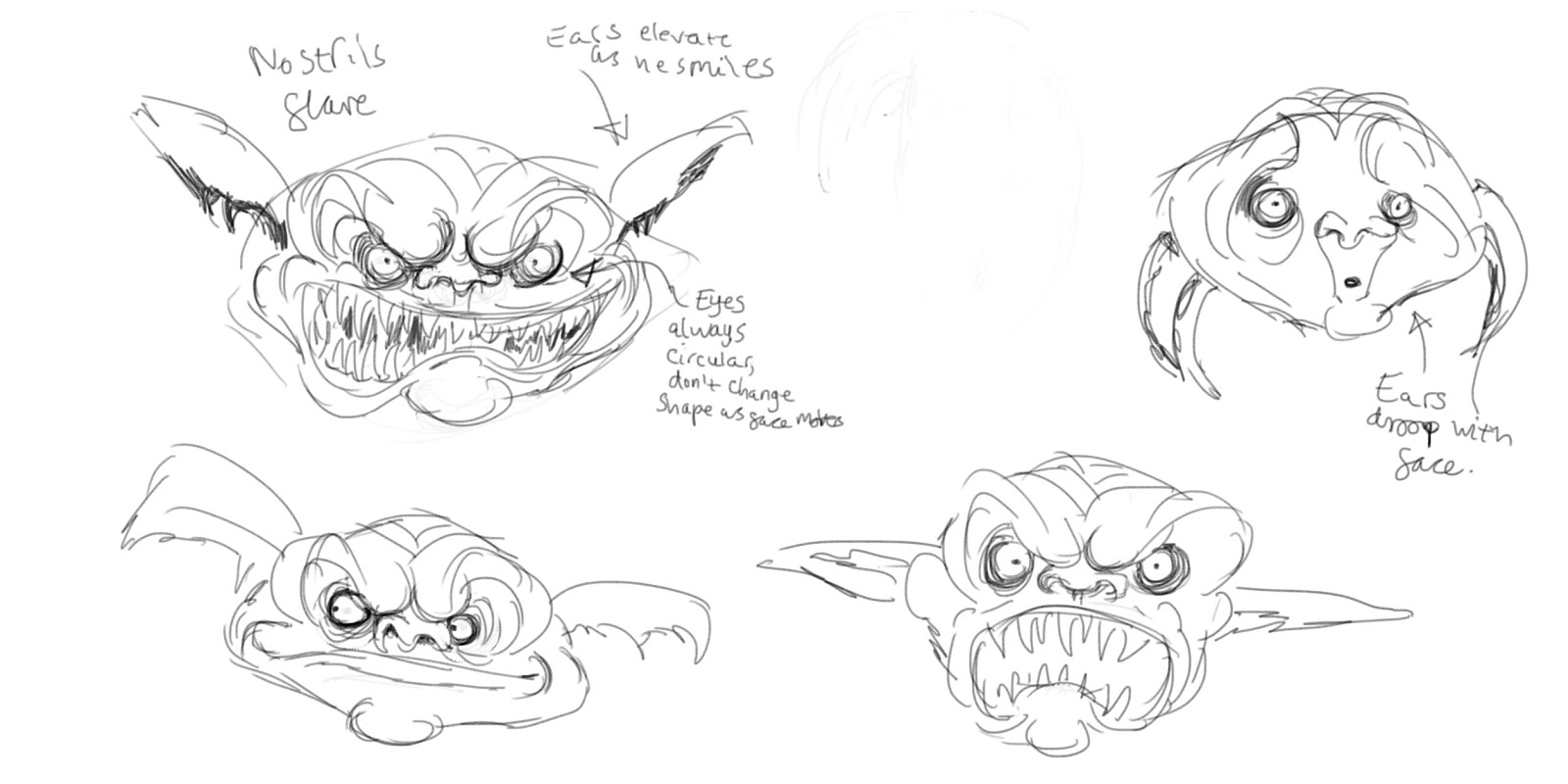
Just before I left for Easter I decided to have a go at 3D modelling. Whilst I had tried a little bit of 3D modelling in maya last year I had not properly picked up the basics and I struggled to follow tutorials. When I was working on Kirk's third year project I was watching the modelling process for the Goblin character and one night I started playing around in maya trying to make my own version.
I had not yet learnt the basics of modelling so the geometry so the geometry is pretty horrible (I didn't know everything has to be made out of polygons so I was using a lot of Ngons and trigons) and I didn't understand the flow yet. My approach was basically to start with a cube and then add edge loops and move the vertices until I got the basic shape, I would then use the interactive split tool to add more geometry and detail.


Although this is a pretty terrible model everyone has to start somewhere and it was really useful to try modelling something which I had also designed. I would definitely recommend that 3d modelling your character designers because it made me think about the volume of the character and the general shape. I often look at my character turnarounds and think that I spend to much time on the front view and ignore the back and sides and this has helped me to understand the design as 3D shape.
Next I decided to model a monkey I had designed recently, once again I started with a cube, added more geometry and extruded out the limbs and head.


The model needs some more work as I think the character looks off balance in the side view (also the tail and hands need modelling). If i have some spare time over the summer I want to put ome more work into this and sculpt and texture it in mudbox. Although the geometry is a lot better on this model (it's all polygons this time) it still doesn't have the polygon flow I was aiming for. I spent about a week working on this in the evenings (I worked on my coursework during the day).
So having learnt the basics through trial and error I decided to set a weekend aside and solidly work until I had a 3D model of a head (with the occasional break for food or exercise). Over the summer I read a book on dynamic figure drawing which, with some practice, really improved my ability to draw heads (check it out here)(I'm currently working through the theory of drawing the rest of the human figure). I had drawn Walter White from "Breaking Bad" a few times since the summer so I'm very familiar with Bryan Cranston's face which was useful as I was modelling.


This really wasn't easy and I felt like giving up a few times but I pushed through and this is how far I got. By the end it was approaching Monday morning (I began Friday evening) and I needed to stop and work on something else. I don't think this will ever be fully finished as I'll always notice bits that can be tweaked or details that could be added but this is where I got to. If I'm honest I was stupid to go for something this ambitious (I'd only been 3D modelling for 3 weeks, this was the third thing I'd modelled and I'd never sculpted in mudbox before) but I'm still proud of what I achieved. I think sculpting in mudbox is easy if you can draw because all the skills are transferable. After this I also noticed my drawing skills improved and I gained a greater understanding of the structure and form of the face.
I had not yet learnt the basics of modelling so the geometry so the geometry is pretty horrible (I didn't know everything has to be made out of polygons so I was using a lot of Ngons and trigons) and I didn't understand the flow yet. My approach was basically to start with a cube and then add edge loops and move the vertices until I got the basic shape, I would then use the interactive split tool to add more geometry and detail.


Although this is a pretty terrible model everyone has to start somewhere and it was really useful to try modelling something which I had also designed. I would definitely recommend that 3d modelling your character designers because it made me think about the volume of the character and the general shape. I often look at my character turnarounds and think that I spend to much time on the front view and ignore the back and sides and this has helped me to understand the design as 3D shape.
Next I decided to model a monkey I had designed recently, once again I started with a cube, added more geometry and extruded out the limbs and head.


The model needs some more work as I think the character looks off balance in the side view (also the tail and hands need modelling). If i have some spare time over the summer I want to put ome more work into this and sculpt and texture it in mudbox. Although the geometry is a lot better on this model (it's all polygons this time) it still doesn't have the polygon flow I was aiming for. I spent about a week working on this in the evenings (I worked on my coursework during the day).
So having learnt the basics through trial and error I decided to set a weekend aside and solidly work until I had a 3D model of a head (with the occasional break for food or exercise). Over the summer I read a book on dynamic figure drawing which, with some practice, really improved my ability to draw heads (check it out here)(I'm currently working through the theory of drawing the rest of the human figure). I had drawn Walter White from "Breaking Bad" a few times since the summer so I'm very familiar with Bryan Cranston's face which was useful as I was modelling.


This really wasn't easy and I felt like giving up a few times but I pushed through and this is how far I got. By the end it was approaching Monday morning (I began Friday evening) and I needed to stop and work on something else. I don't think this will ever be fully finished as I'll always notice bits that can be tweaked or details that could be added but this is where I got to. If I'm honest I was stupid to go for something this ambitious (I'd only been 3D modelling for 3 weeks, this was the third thing I'd modelled and I'd never sculpted in mudbox before) but I'm still proud of what I achieved. I think sculpting in mudbox is easy if you can draw because all the skills are transferable. After this I also noticed my drawing skills improved and I gained a greater understanding of the structure and form of the face.